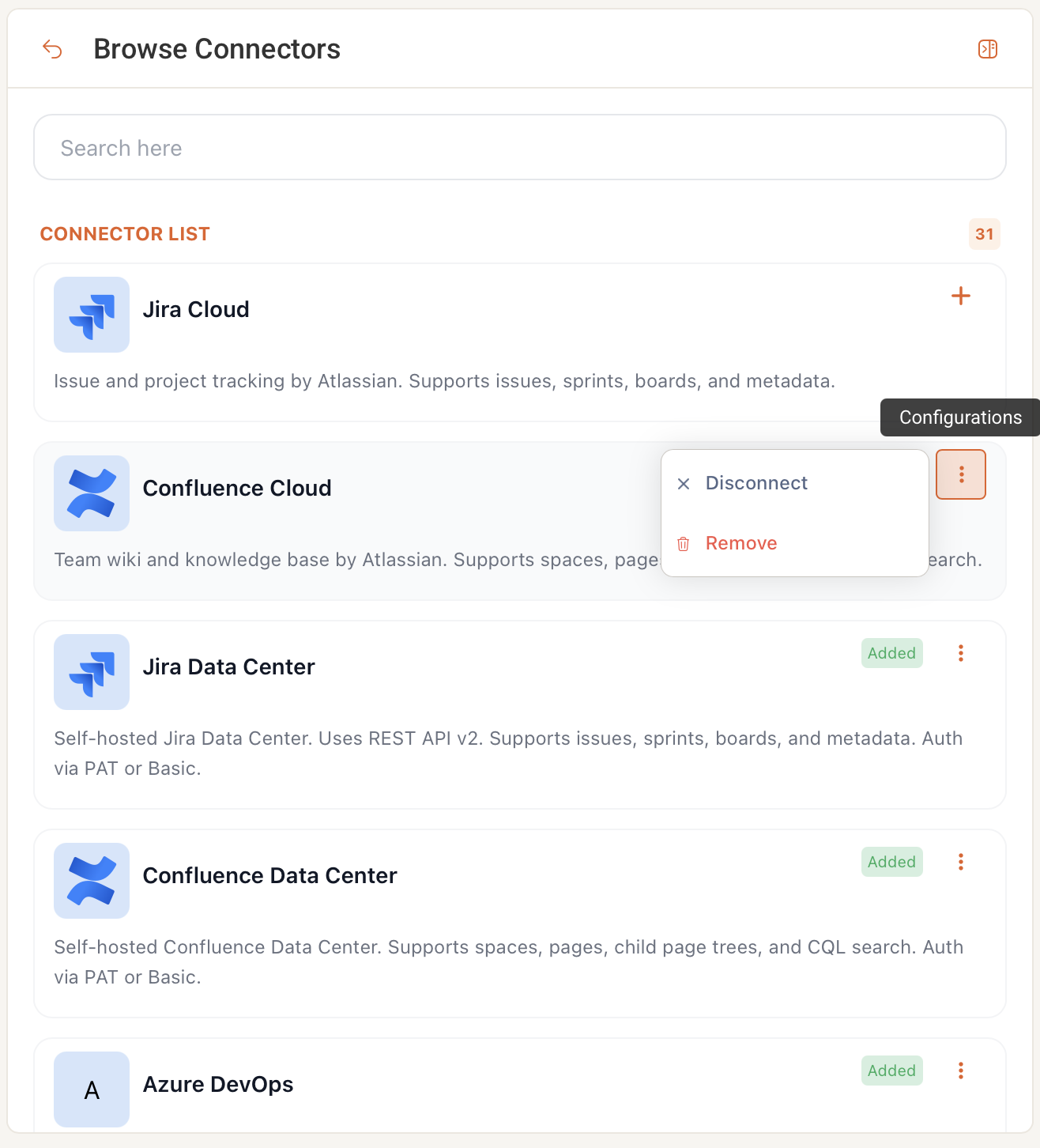
Connectors
Connectors link AGIS to external tools, such as JIRA, Confluence, Confluence Data Center, Azure DevOps and Email. User set a connector and AGIS can then use it in the Workflow Builder and in the Knowledge Base. In Connectors user can view the current connectors, browse connectors, edit connectors, and switch the connectors on or off.
View Connectors Panel
Open connectors on the right panel.
The listing page shows a search here field, Browse Connectors icon, and cards showing all of the connectors.
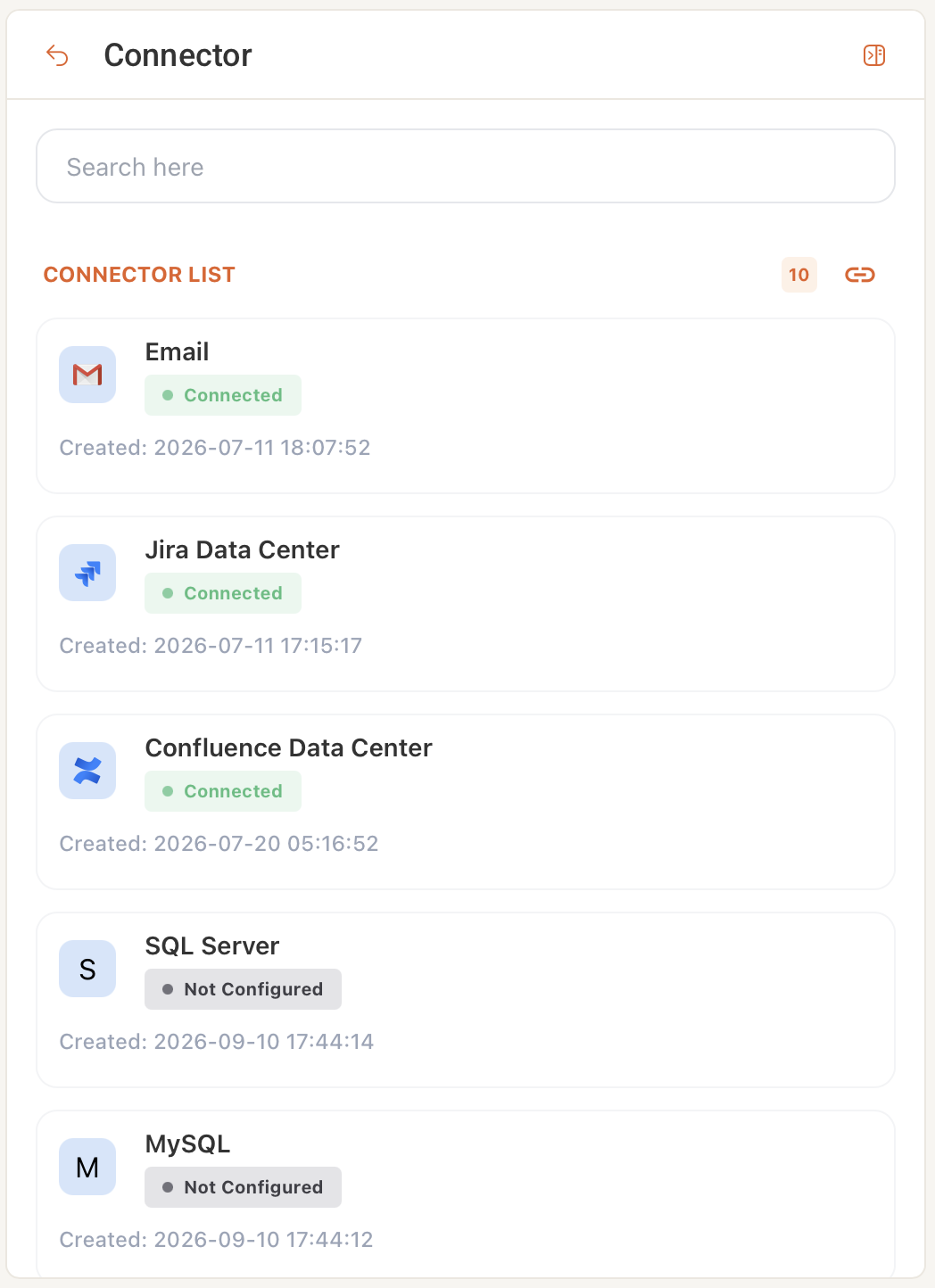
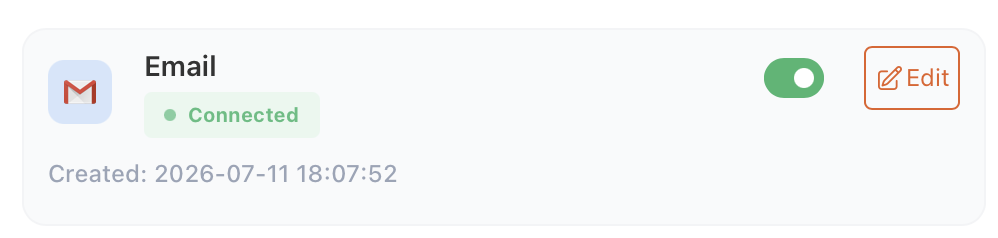
Each Connector card displays:
- Name — the connector name
- Status —
ConnectedorNot Configured - Timestamp — created time
Edit a Connector
In this page, user can edit a connector's field, disconnect, or Test Connection. Commonly used connector include Email, Jira Data Center, Confluence Cloud, and Azure Devops.
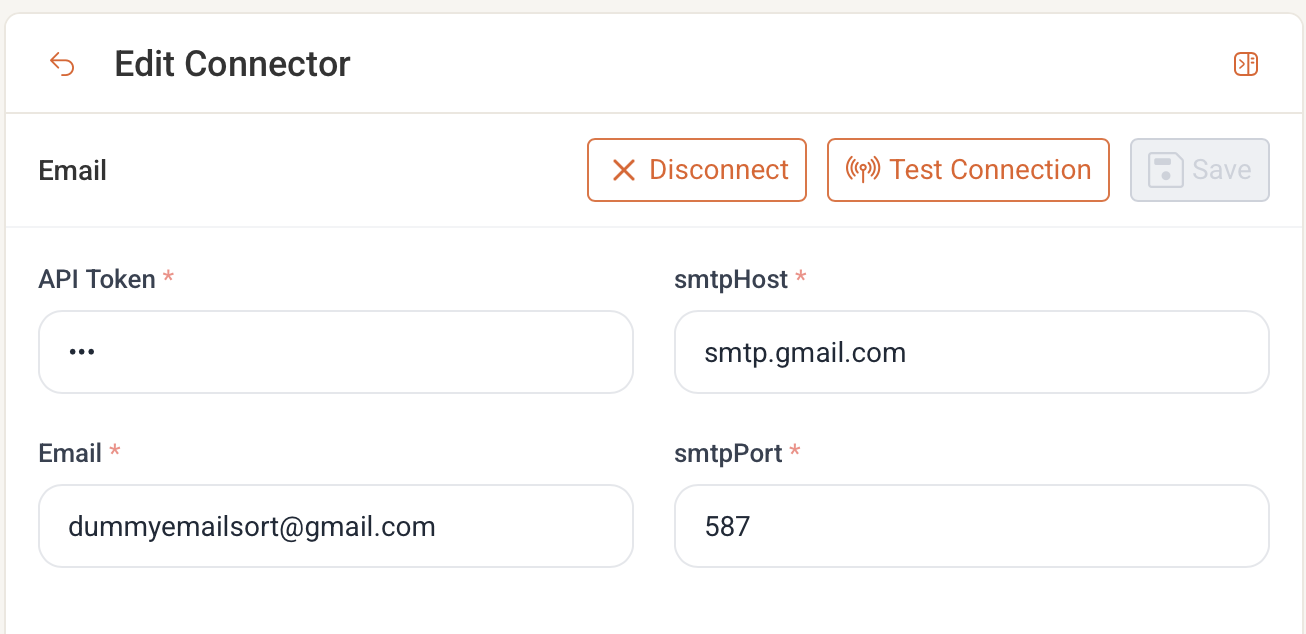
To edit a Connector:
- Hover over a Connector card.
- Click the Edit (pencil) icon on the right side of the card.
- Edit / fill the field of that specific connector.
- Click the
Savebutton to apply the changes.
Connector - Email
The Email connector lets workflows send emails.
The field includes:
| Field | Required | Description |
|---|---|---|
| Yes | The mailbox AGIS sends from | |
| Personal Access Token | Yes | The password or app-specific token for that mailbox. |
| Smtphost | Yes | The address of your outgoing (SMTP) mail server |
| Smtpport | Yes | The port on that server. |
Connector - Jira Data Center
The Jira Data Center connector links AGIS to a self-hosted Jira so issues can be brought into the Knowledge Base.
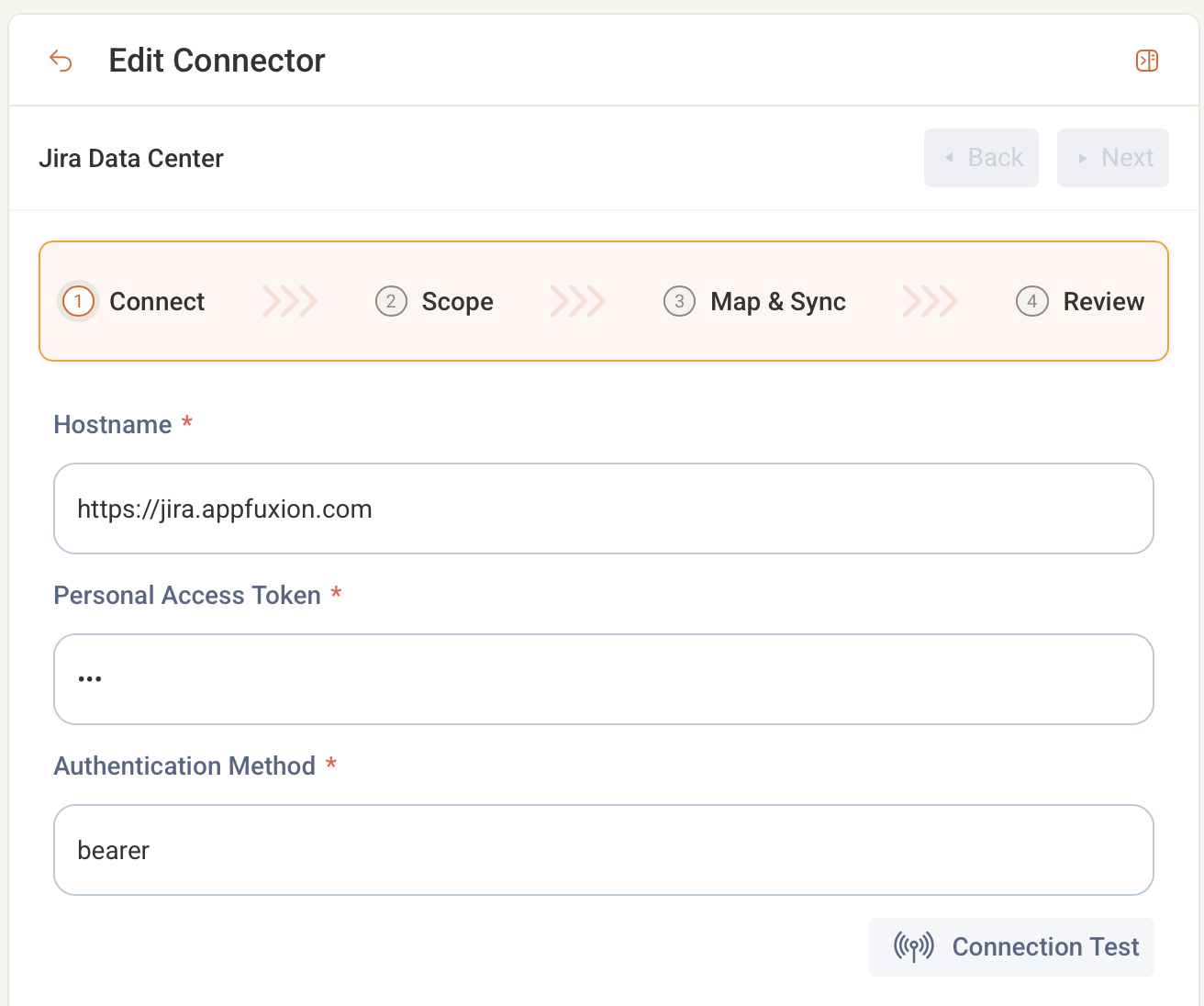
The connect - field includes:
| Field | Required | Description |
|---|---|---|
| Hostname | Yes | The address of Jira server. |
| Personal Access Token | Yes | A token that lets AGIS sign in to Jira. |
| Authentication Method | Yes | How AGIS sends the token to Jira. It is pre-filled with bearer. |
Connector - Confluence Cloud
The Confluence Cloud connector links AGIS to Confluence so pages can be brought into the Knowledge Base, and used by workflow nodes.
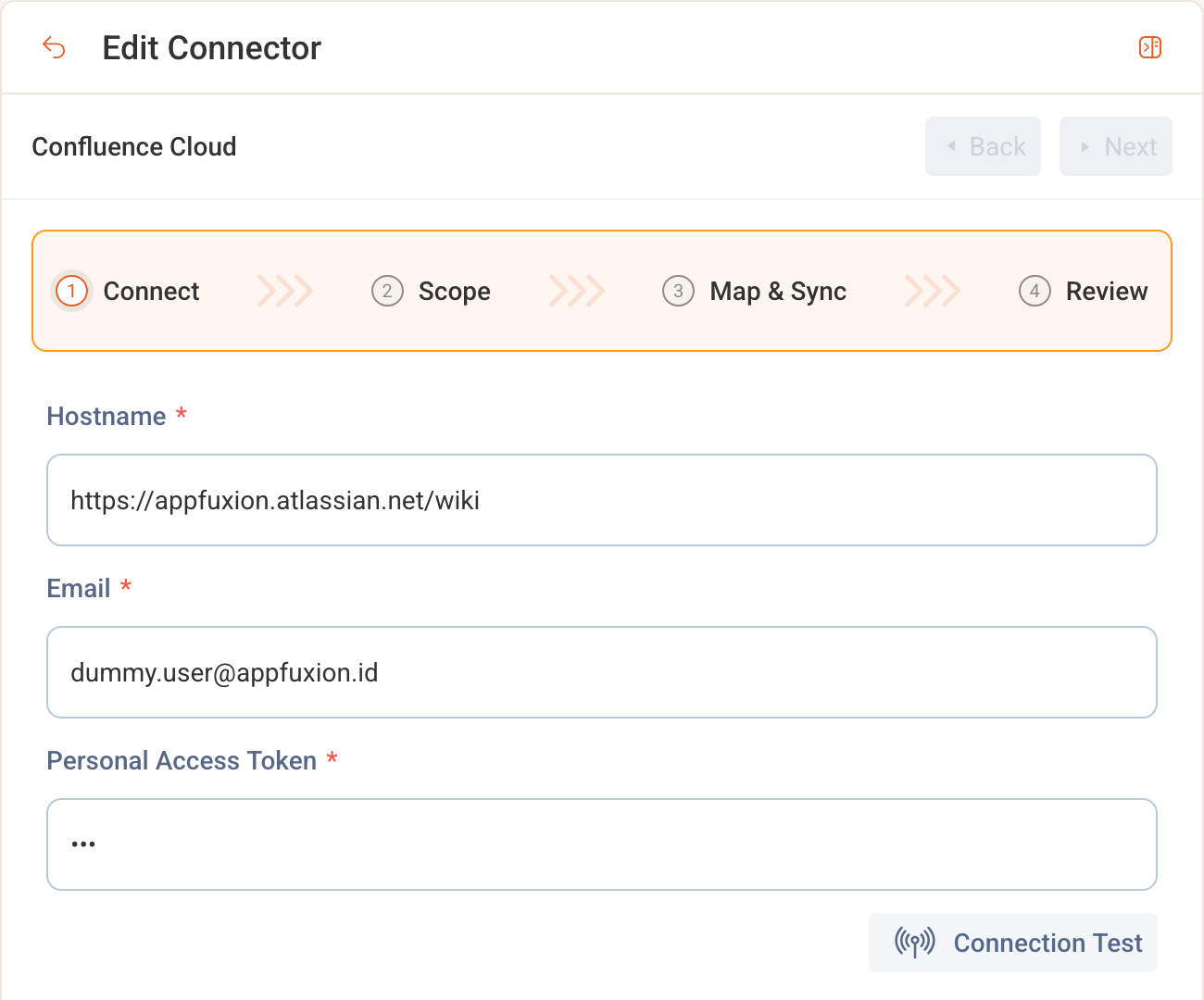
The Connect - field includes:
| Field | Required | Description |
|---|---|---|
| Hostname | Yes | Confluence site address. |
| Yes | The email address of the Atlassian account that owns the token. | |
| Personal Access Token | Yes | An API token created for that Atlassian account. |
Connector - Confluence Data Center
The Confluence Data Center connector links AGIS to a self-hosted Confluence server so its pages can be brought into the Knowledge Base.
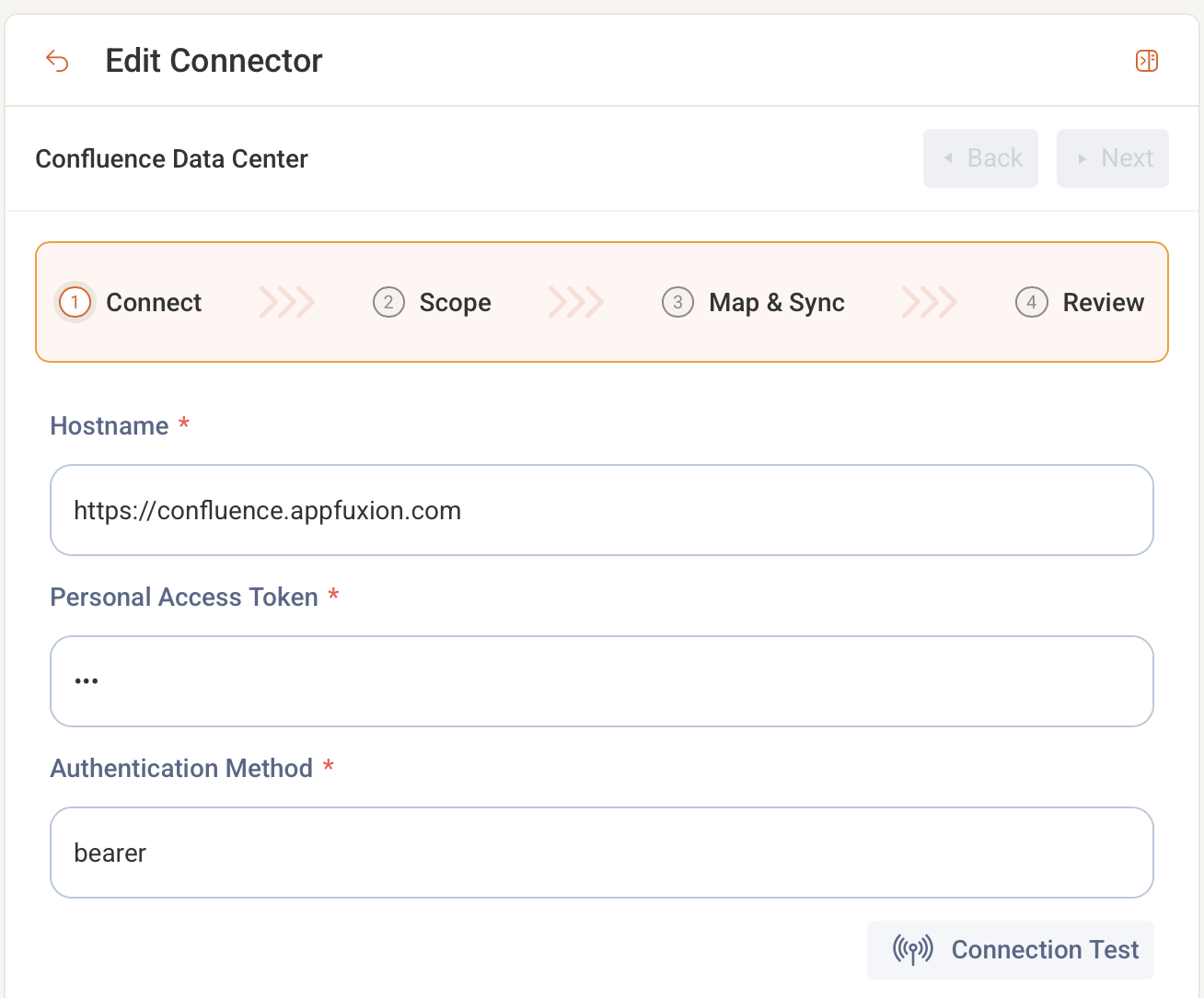
The Connect - field includes:
| Field | Required | Description |
|---|---|---|
| Hostname | Yes | Confluence site address. |
| Yes | The email address of the Atlassian account that owns the token. | |
| Personal Access Token | Yes | An API token created for that Atlassian account. |
Connector - Azure DevOps
The Azure DevOps connector brings work items into the Knowledge Base.
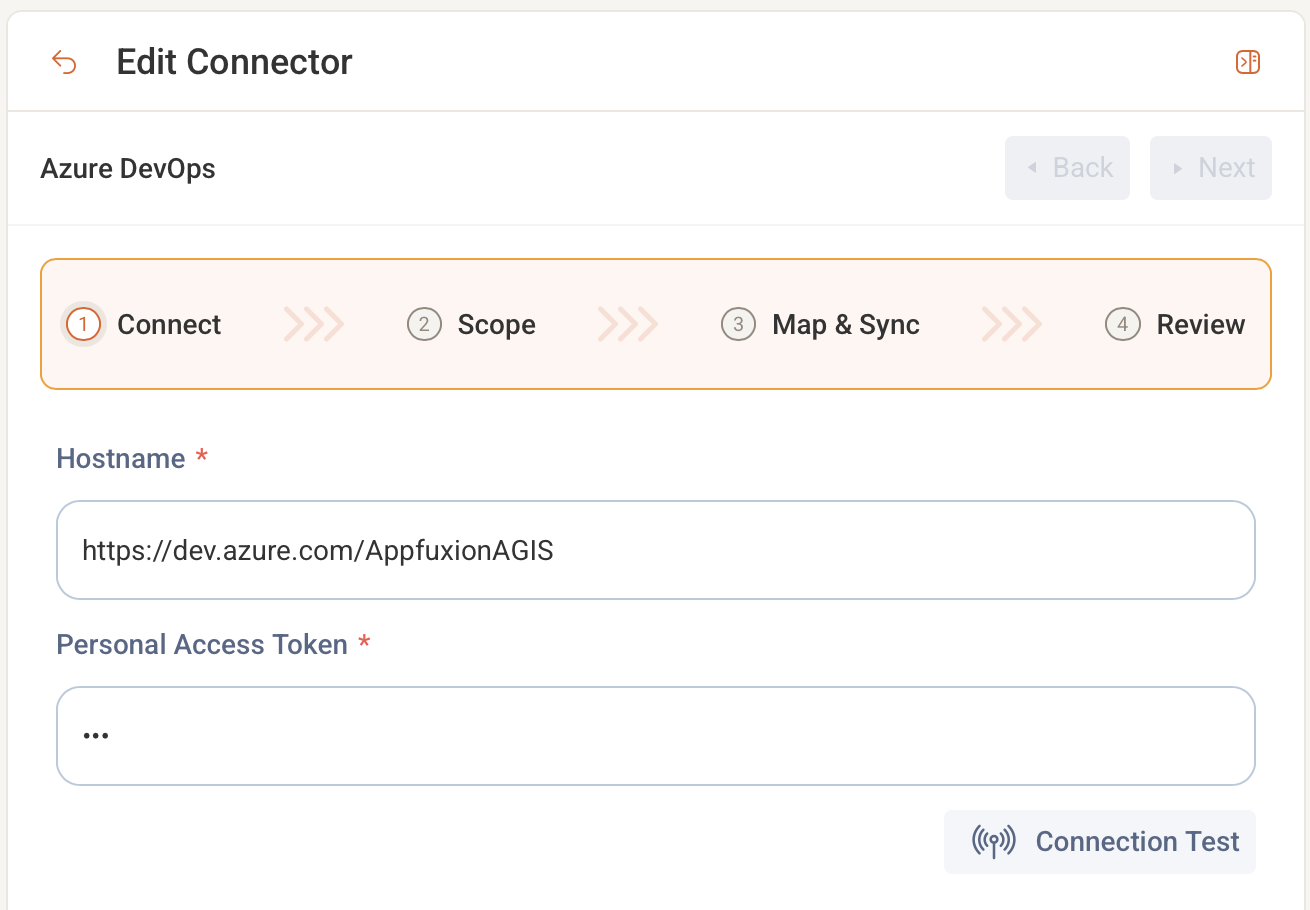
The Connect - field includes:
| Field | Required | Description |
|---|---|---|
| Hostname | Yes | Azure DevOps address including organization. |
| Personal Access Token | Yes | A token created in Azure DevOps under User settings. |
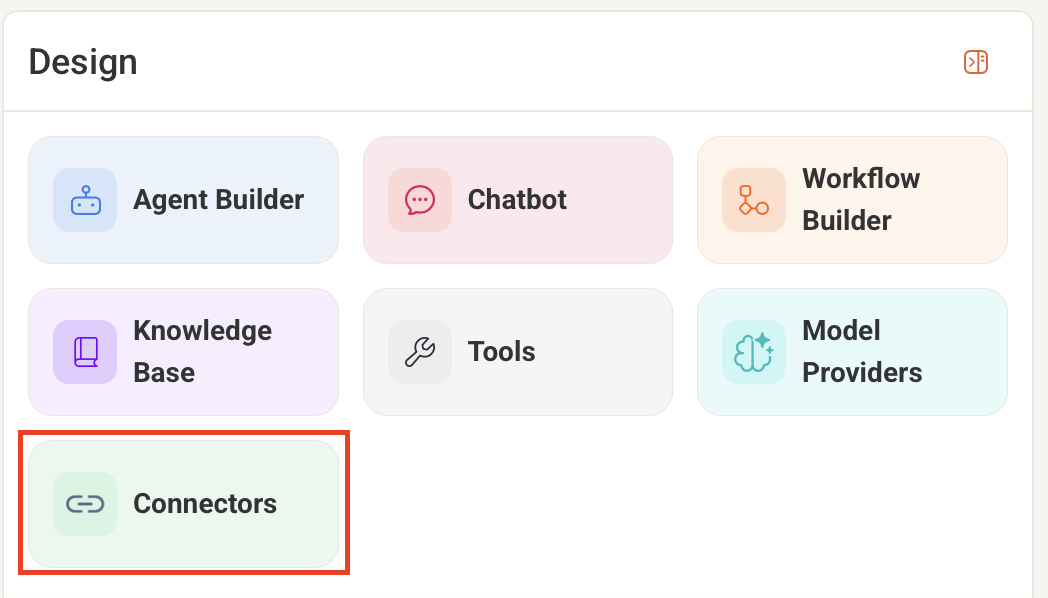
Browse Connectors
A list of connectors that are available to be used. User can view, add, disconnect, or remove a connector.